User Guide
CRYPTOIZ — AI Lab · On-chain Research
Guide to the main pages of CRYPTOIZ — from first login to reading token charts and holder tiers.
Table of Contents
CRYPTOIZ is accessible from any browser at cryptoiz.org. Register once, confirm your email, and you're in.
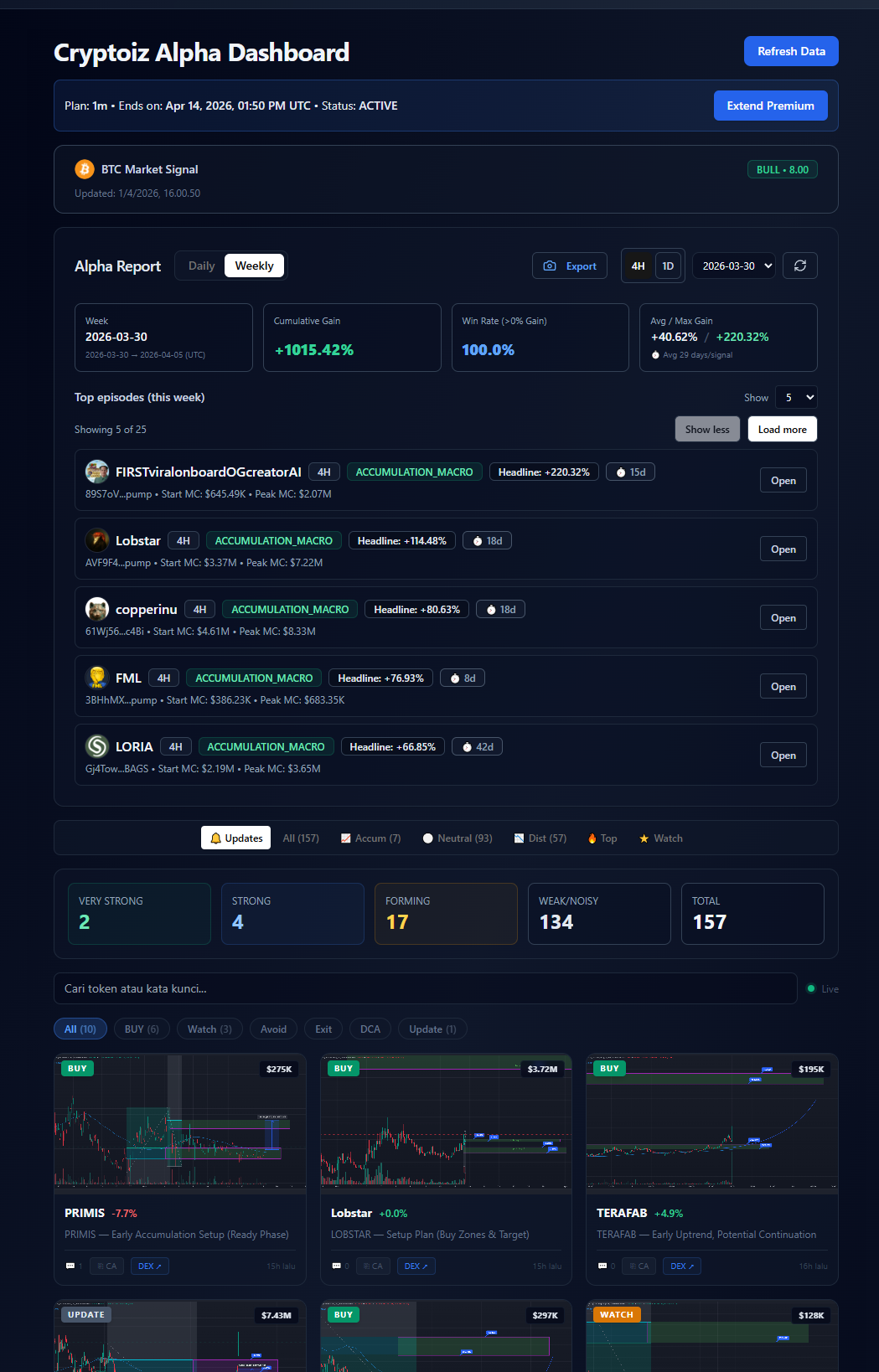
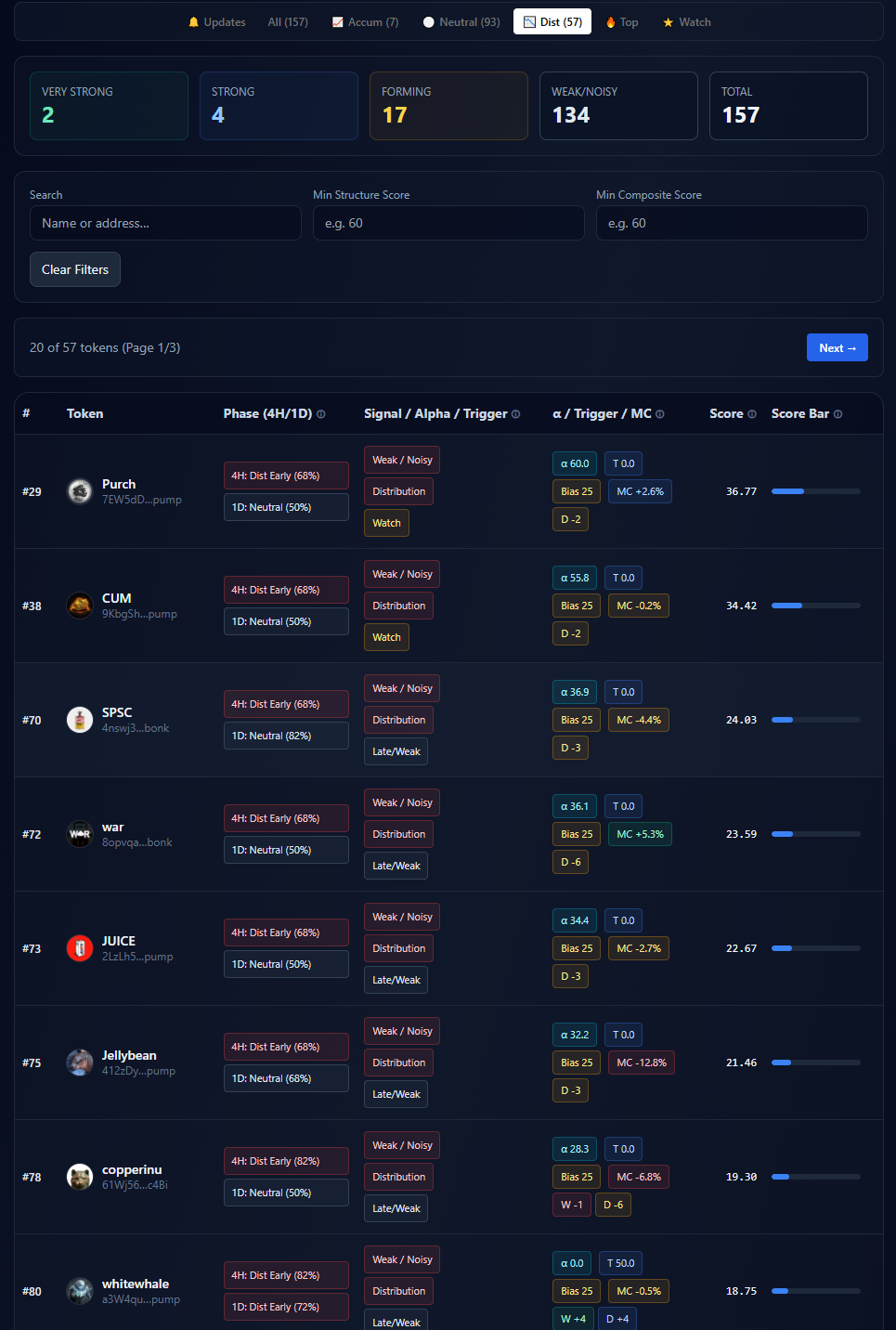
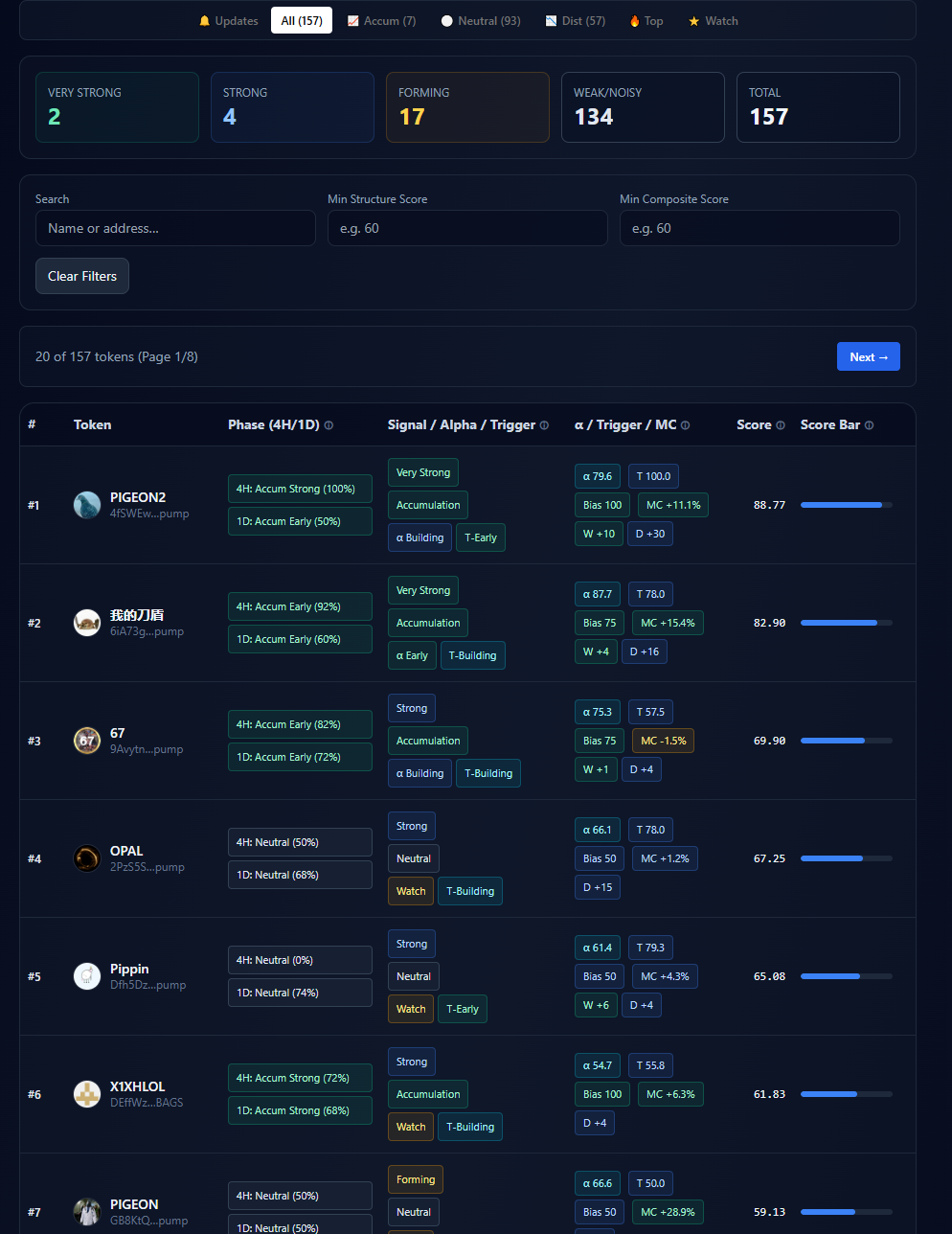
The Dashboard is the main hub after login. It shows your subscription status, the BTC macro signal, and token lists grouped by phase.
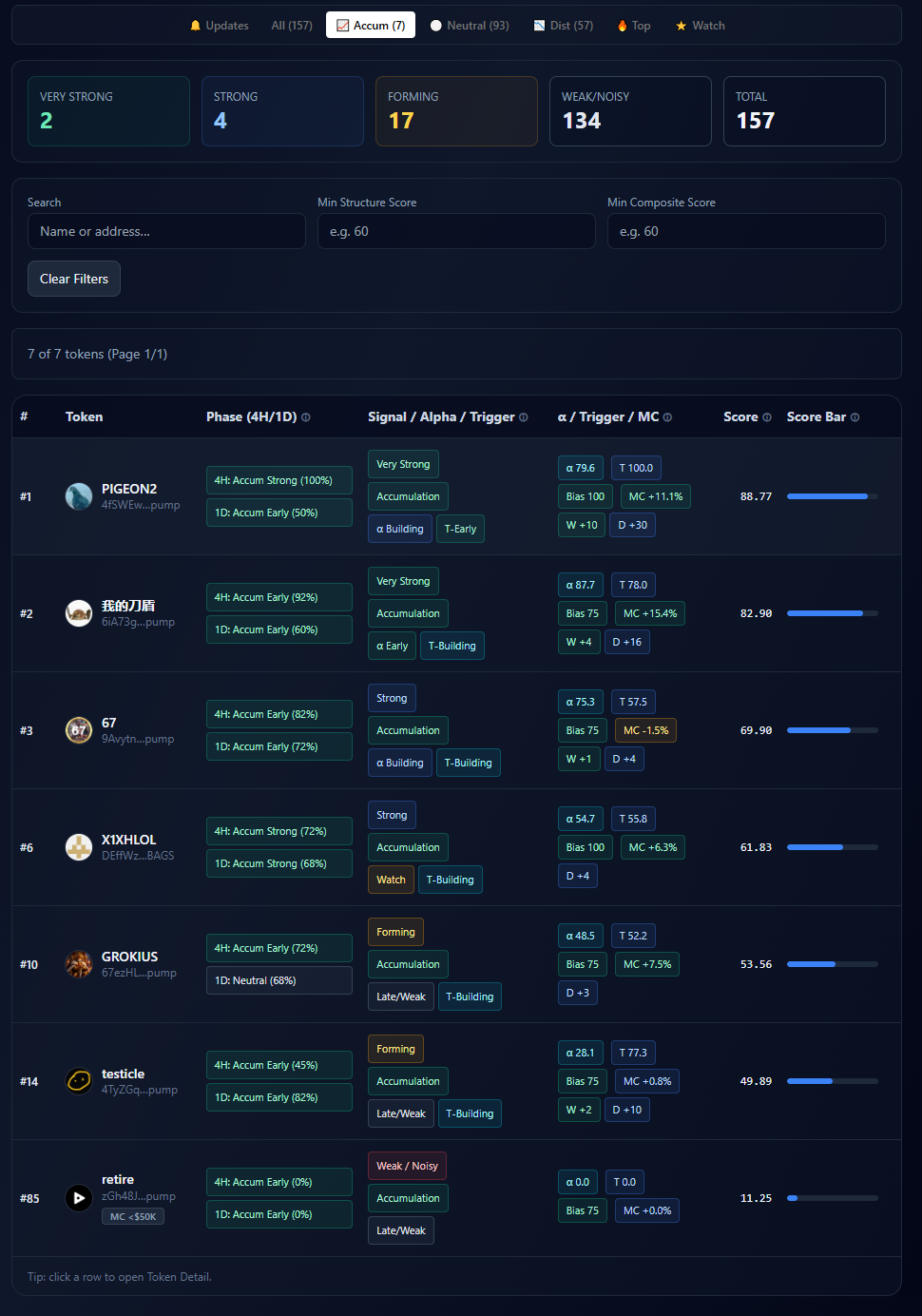
Dashboard shows 4 phase views — scroll down to see all:
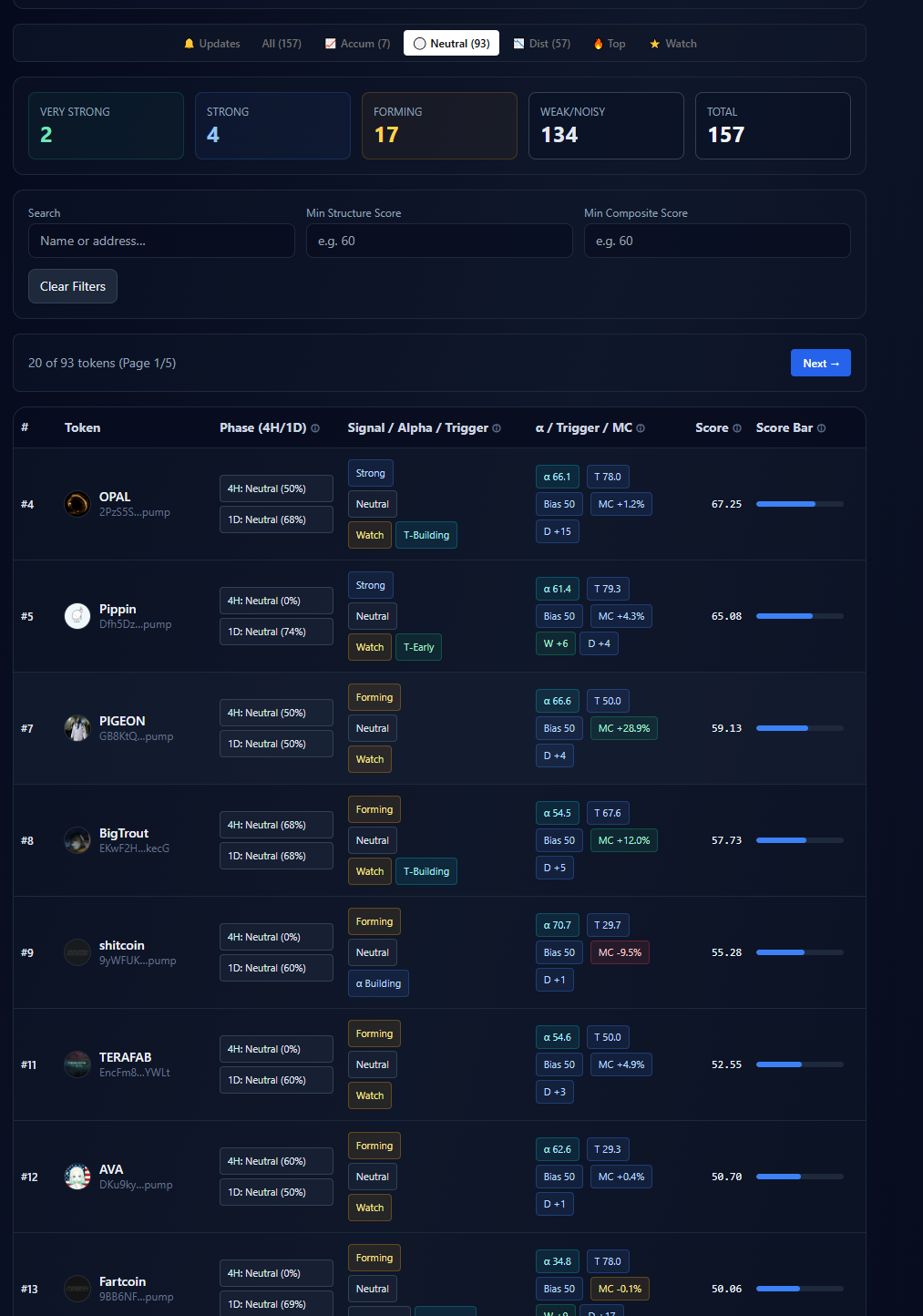
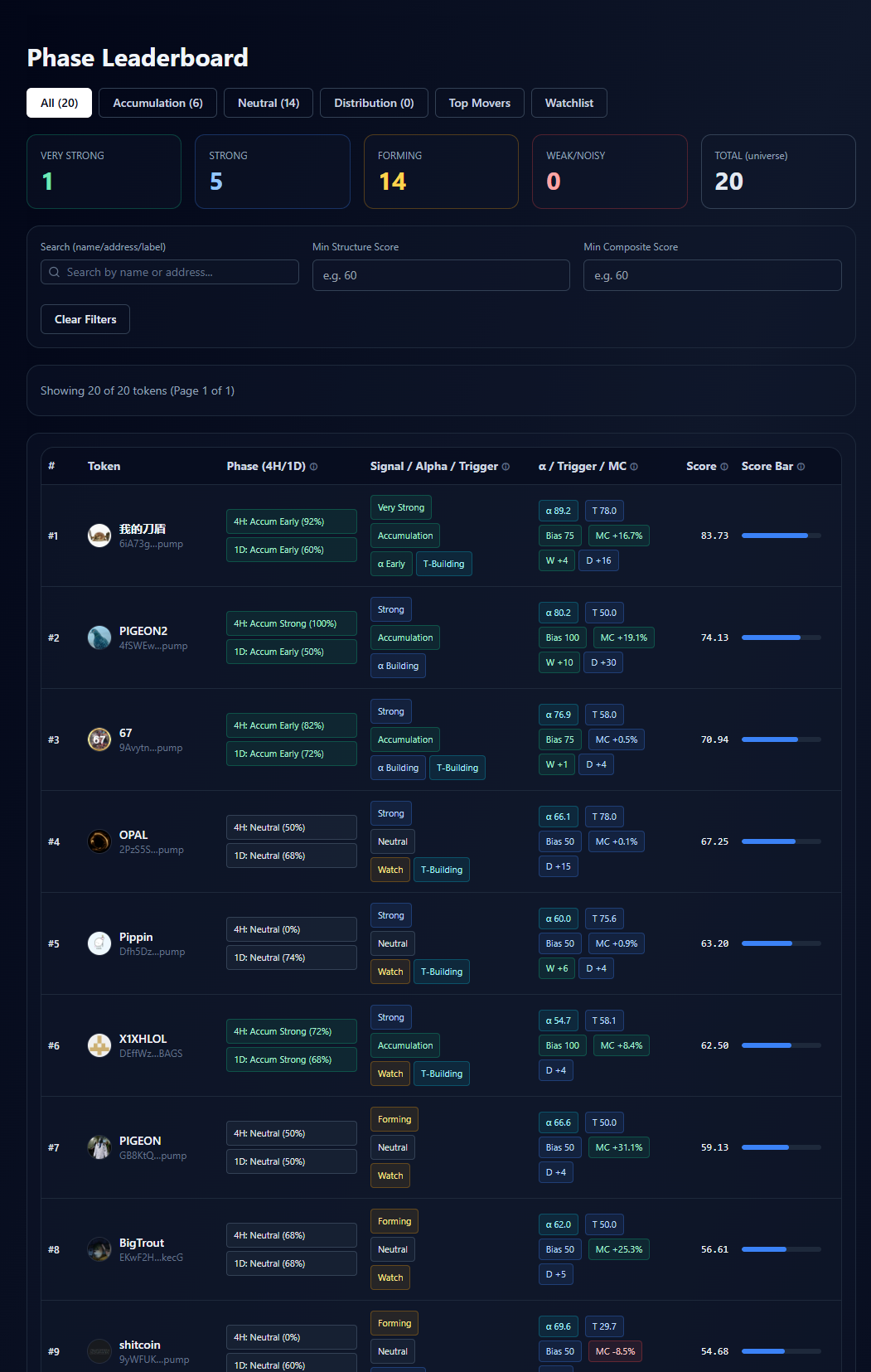
The Phase Leaderboard ranks all tracked Solana tokens by structural phase strength and score. It gives you a macro overview — which tokens are leading the market structurally right now.
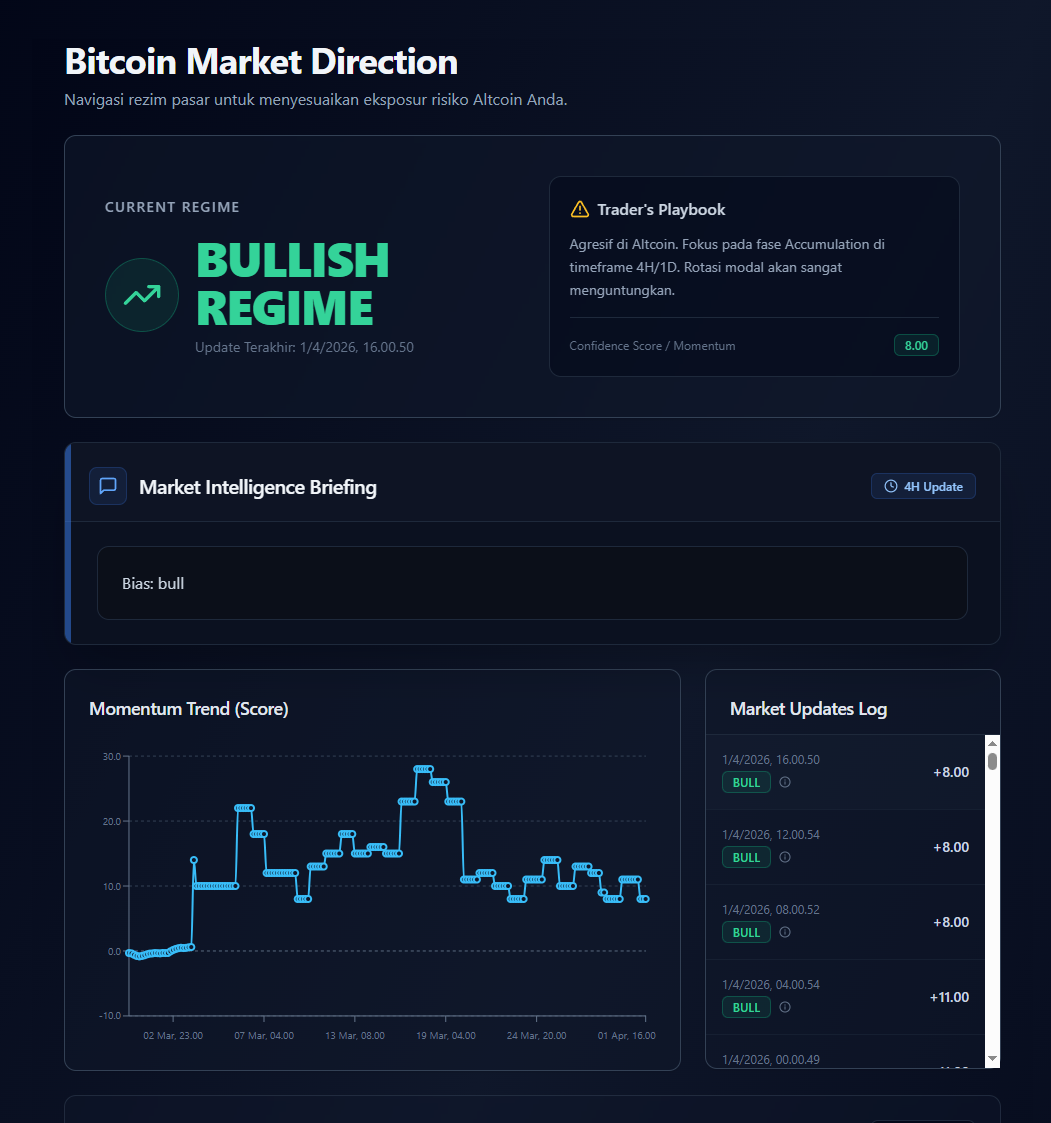
BTC Direction provides a macro-level Bitcoin signal updated every 4 hours. It combines EMA trend, Fear & Greed, funding rate, and global market cap into a single composite score (0–10). Use this as macro context before acting on any token.
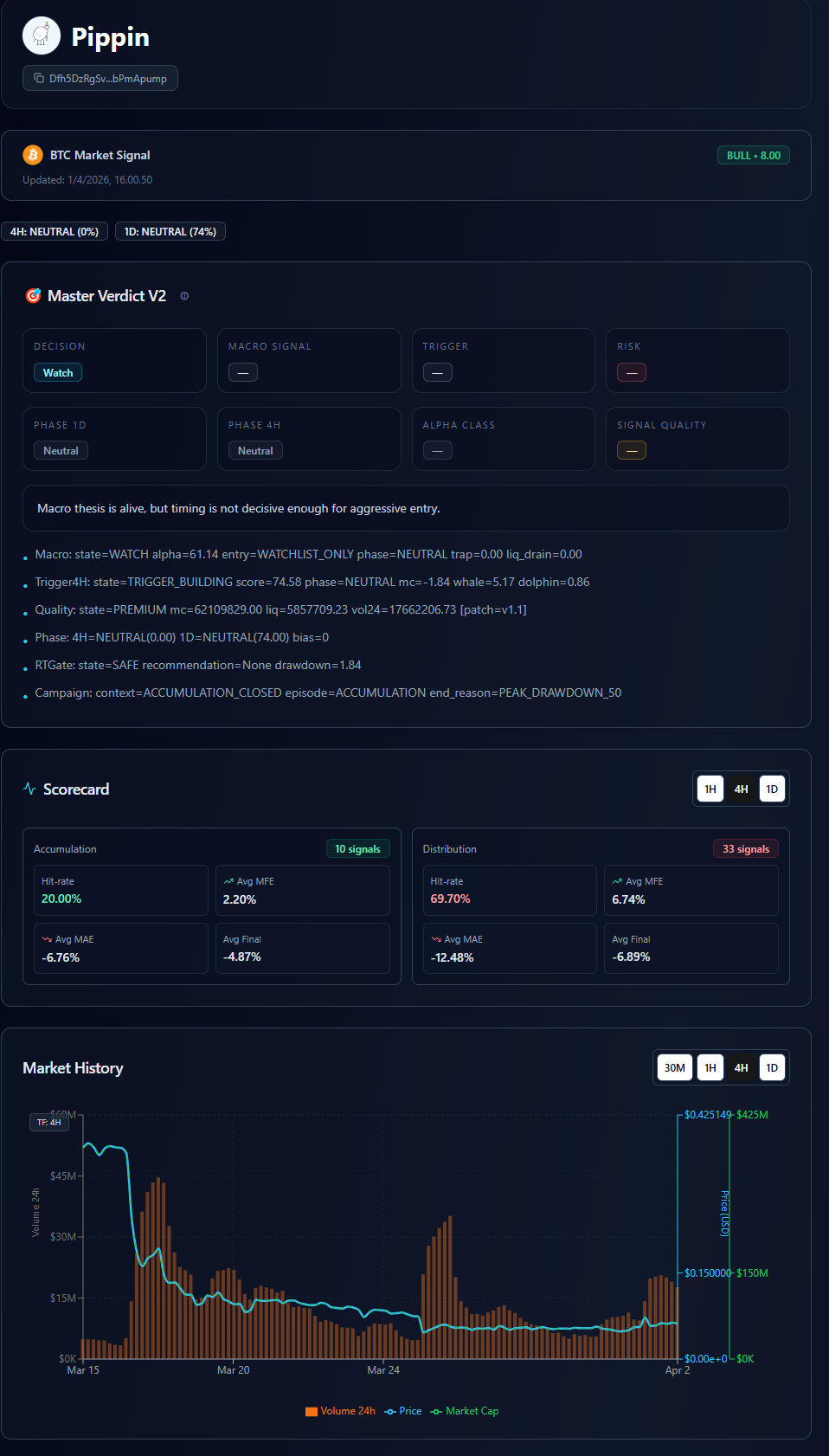
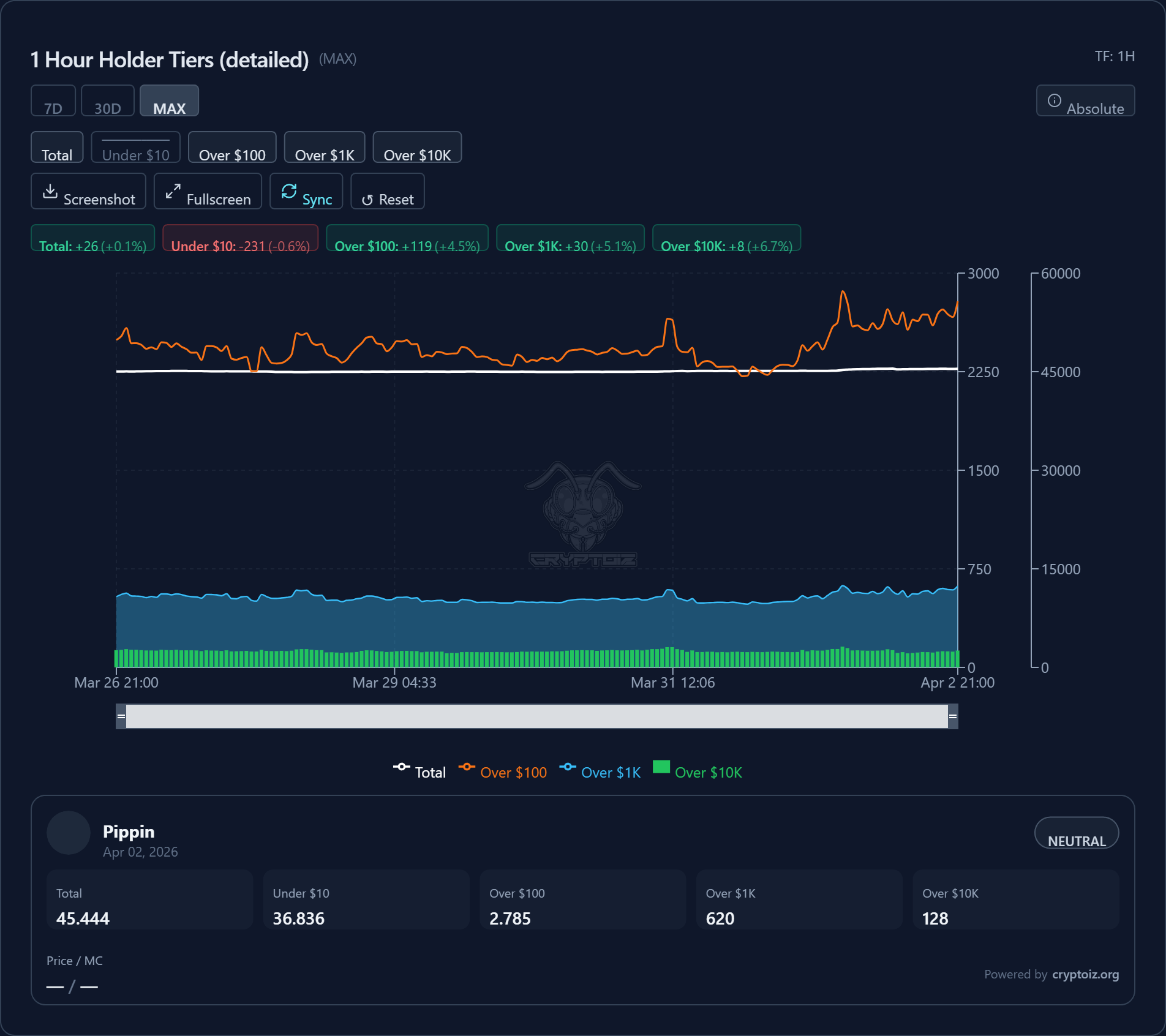
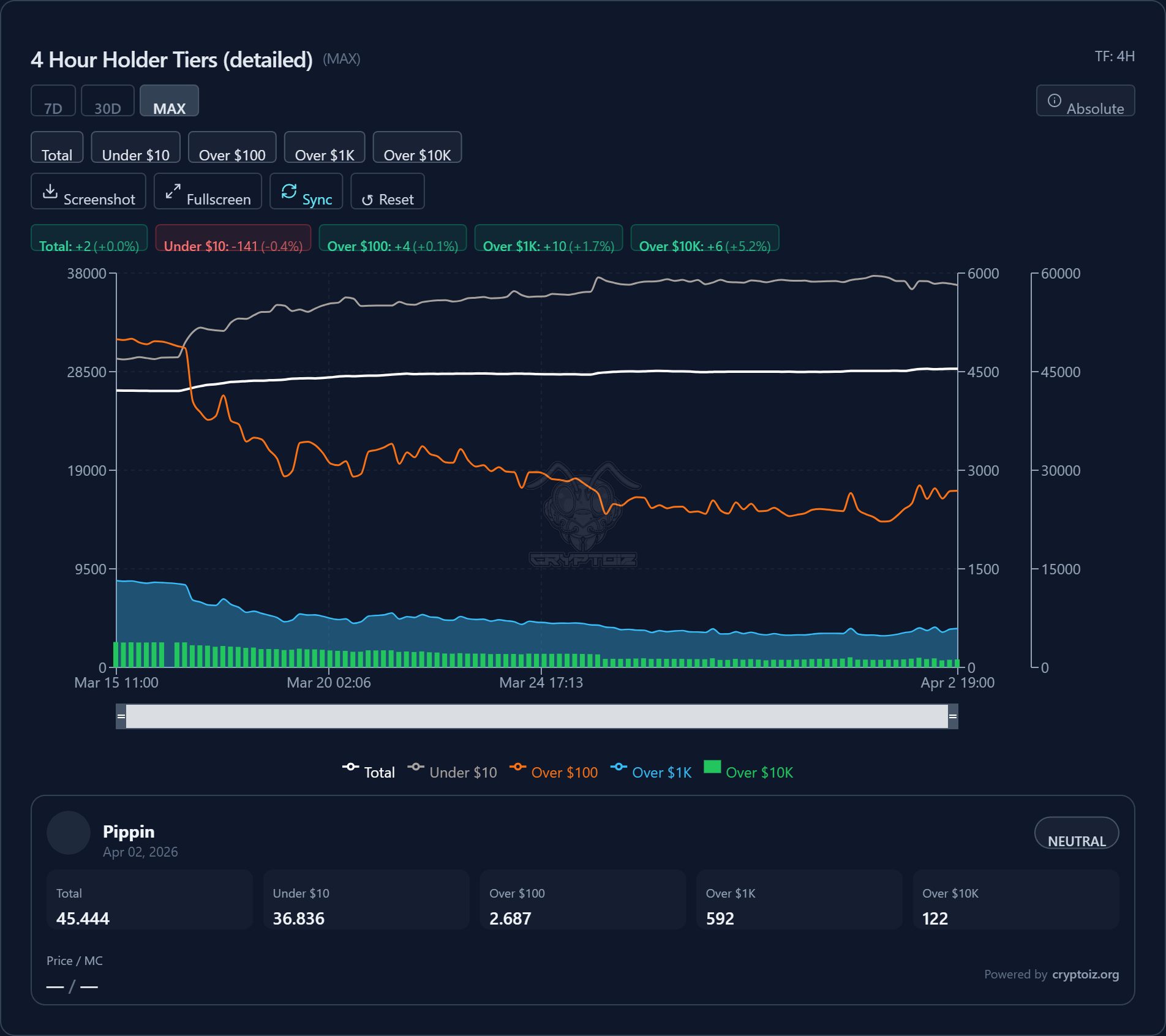
Click any token on the Dashboard or Phase Leaderboard to open its Token Detail page — the deepest analytical view in CRYPTOIZ. It shows price chart, on-chain holder tier charts across multiple timeframes, and structural metrics.

CRYPTOIZ offers Premium subscription plans (weekly, monthly, quarterly, 6-month, annual). Premium gives access to AI Lab and the member pages listed below.
The Profile page shows your account information and subscription status. Access it from the three-dot menu (⋮) at the top right of any page.